
1
Import
Choose a video or audio file. MP4, MOV, WebM, MKV, MP3, WAV, and more are supported.
AI subtitle generator
Subtitle Caption Studio uses fast cloud AI to transcribe and translate your media in 20 languages. Edit every word, style every caption, and export clean SRT or VTT files — no account needed, ever.
Free to start. No subscription. No watermark on exports.
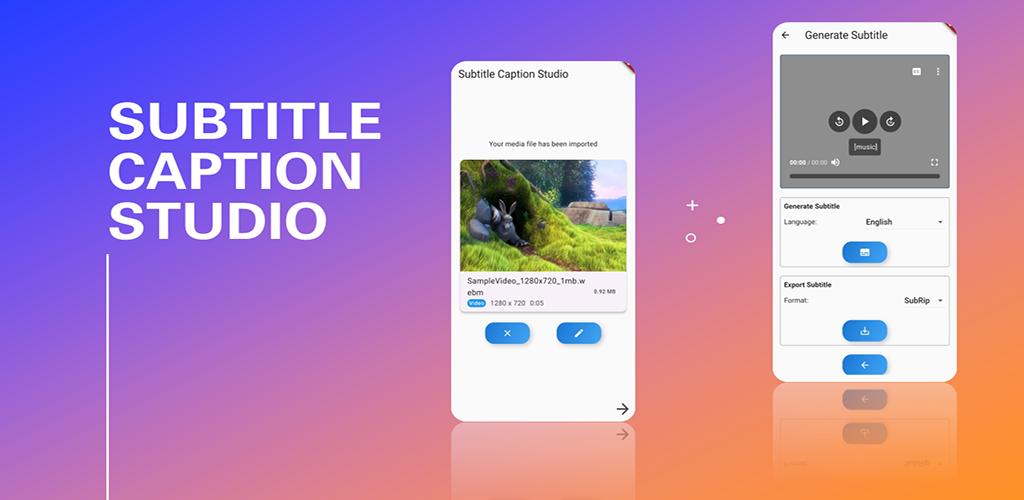
Create professional subtitles in three steps — fast enough for YouTube, TikTok, lessons, and podcasts.
Choose a video or audio file. MP4, MOV, WebM, MKV, MP3, WAV, and more are supported.
Cloud AI transcribes speech, auto-detects the language, and times every caption — up to 60 minutes per generation.
Fine-tune text and style, then export clean SRT or VTT files. Share, save, or email. No watermark, ever.
AI transcription, a full caption editor, translation, and offline tools.
Turn speech into timed captions automatically. Auto-detect language, translate, or use Optimized Mode for higher accuracy.
Fix a typo, shift every timestamp, or rearrange segments with an editor that protects unsaved changes.
Optional presets and custom colors, size, outline, and position — previewed live on your video.
Watch captions overlaid on your video before you export, so timing and readability are right on the first try.
Export professional subtitle files for YouTube, Vimeo, social, or any editor. Styled exports keep your look intact.
Every generation is saved automatically. Search, re-edit, and re-export without spending another credit — even offline.
Combine 2–10 SRT or VTT files on a color-coded timeline. Adjust offsets, catch overlaps, and merge with zero credits.
No account, email, or password. Telemetry stays off until you opt in, and files are prepared locally on your device.
Transcribe and translate across 20 languages. The app itself follows your device language across 10 interfaces.
New users get welcome credits. Returning users earn more with daily rewards and streaks. Top up only if you ever need extra — never a monthly fee.
Watermarks, accounts, formats, translation, and how the free credits work.
No. Every export is clean, with zero watermarks. Your content stays 100% yours.
No. Open the app and start generating subtitles immediately — no email, password, or sign-up.
Import MP4, MOV, WebM, MKV, MP3, M4A, WAV, FLAC, OPUS, and more. Export to SRT and VTT for YouTube, social platforms, and video editors.
Yes. Transcribe in one language and translate into another across 20 supported languages, with optional auto-detect.
Yes. Start with free welcome credits, earn more through daily rewards and streaks, and only top up if you ever need more. There is no subscription.
Cloud AI generation supports files up to 60 minutes. Completed subtitles stay in your offline library so you can edit and re-export later.
Yes. The free subtitle merger combines 2–10 files, lets you reorder them on a timeline, and warns you about overlaps. No credits and no internet required.
Download Subtitle Caption Studio and export clean SRT or VTT files today.